
Workspace editor
Test Community hosted workspace
Draft
Server name
Test Community
Primary color
#ff5a36
Domain
testcommunity.gg
CTA
Connect & Apply
KrakenCore gives server owners a hosted template platform for branded community websites. Pick a design, customize branding and content, preview every change, and publish without hiring a developer for each update.
6
Live template families
Preview
Draft before live publish
Hosted
Managed control panel included
Hosted publish flow
Edit once. Preview safely. Publish live.
Workspace editor
Test Community hosted workspace
Server name
Test Community
Primary color
#ff5a36
Domain
testcommunity.gg
CTA
Connect & Apply
Branding updated
Logo, accent color, and hero CTA switched for Test Community.
Preview verified
Draft version checked on desktop and mobile before launch.
Publish completed
Live site pushed without rebuilding or touching source files.
Preview before publish
Change branding without touching code
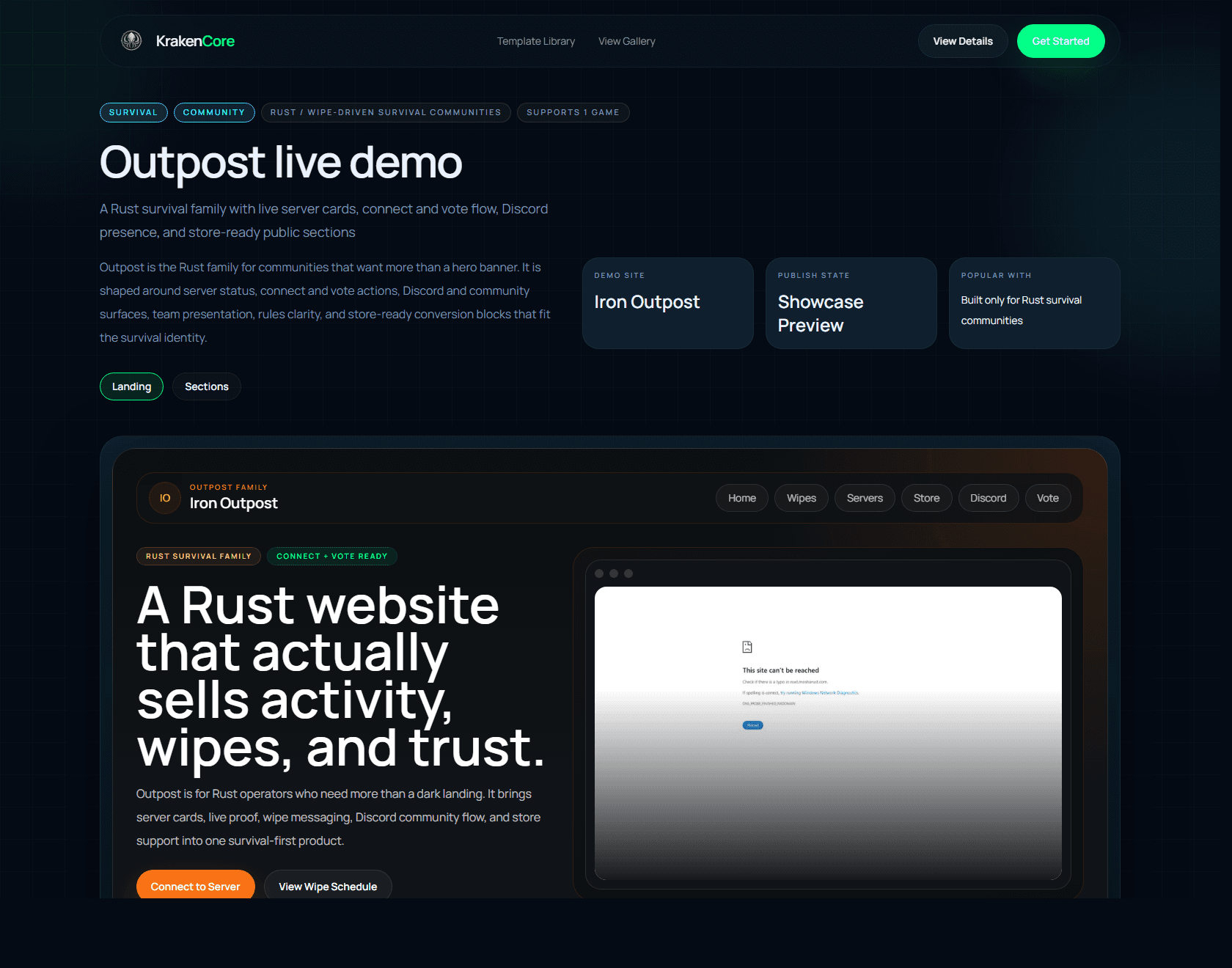
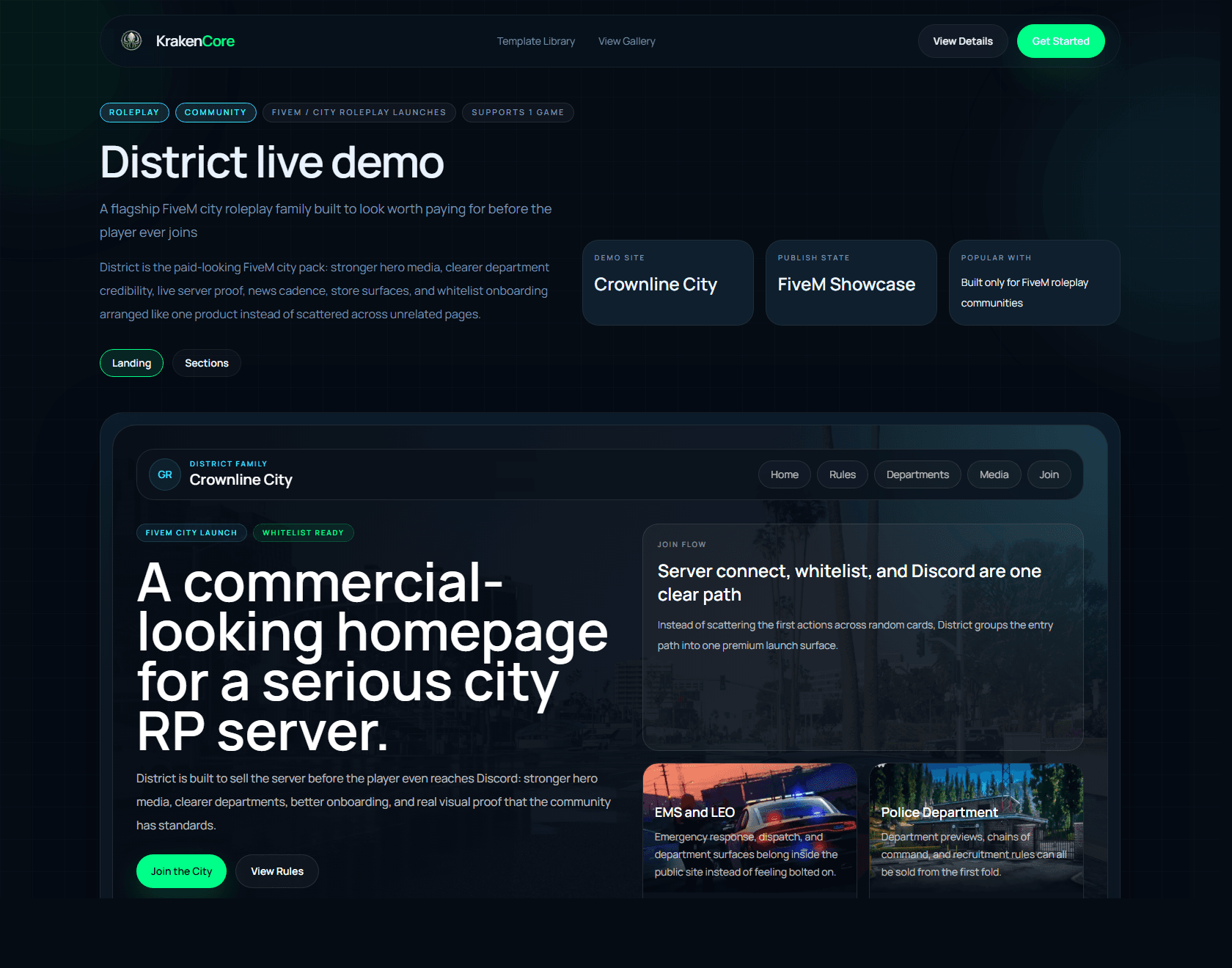
Templates
Choose a live family, not a custom build queue.
Control panel
Edit logo, pages, colors, and domain inside one workspace.
Publishing
Push the approved draft live when the site is ready.
Why it converts
The buyer should understand the offer in seconds: choose a polished template, use a hosted workspace, connect content and branding, then preview and publish without commissioning a custom rebuild for each launch.
Templates
Pick a design family instead of starting from zero.
Workspace
Edit pages, branding, domains, and server blocks in one place.
Publish
Keep drafts separate from live and ship only when approved.
Buyers should understand that the product is not just a design mockup. It is a hosted workflow: choose a template, change the workspace, review the preview, then publish the new version live.
Choose the template
Start from a design family with the page stack, hero treatment, and community rhythm already resolved.
Change branding and content
Update the logo, colors, copy, navigation, and server details from the hosted workspace.
Preview, then publish
Keep the draft isolated, review it safely, and only push the live site when the new version is approved.
Workspace edit
District - Redline RP
Logo
Redline RP
Accent
#00ff88
Domain
redline.gg
CTA
Apply now
What the buyer sees
Brand update
Logo, accent, CTA and navigation changed
Preview ready
Draft version rendered before touching the live site
Publish safe
Live output only updates after the publish action
Preview surface
Safe before live publish
Draft state
Brand changes applied
Publish action
Push to live when approved
KrakenCore is built around the core customer journey: choose a design, customize it in a hosted workspace, and keep it live through a clean subscription model.
Let customers subscribe to a polished design library instead of commissioning a one-off build every time they need a new website.
Every customer gets a tenant-isolated workspace for branding, pages, domains, billing, and publishing inside the same platform.
Swap logos, colors, navigation, hero content, and page sections while preserving the design quality of the chosen template.
Review changes in preview, publish on approval, and roll back versions without touching the live site by hand.
Keep the flow simple: choose a template, customize the website, review it in preview, and publish when the site is ready.
01
Start from a premium template with ready-made sections for homepage content, rules, staff, FAQ, server blocks, and community pages.
02
Set your logo, colors, site copy, navigation, pages, modules, domain, and optional server connection from one hosted control panel.
03
Keep edits in draft, review the selected design in preview, and publish it live while the subscription remains active.